
A PCB starts as a drawing of the circuit (the schematic) and becomes a board drawing (the layout). Here is the whole path. The built-in tutorial (“Start the tutorial” on an empty project) walks you through a small macropad the same way.
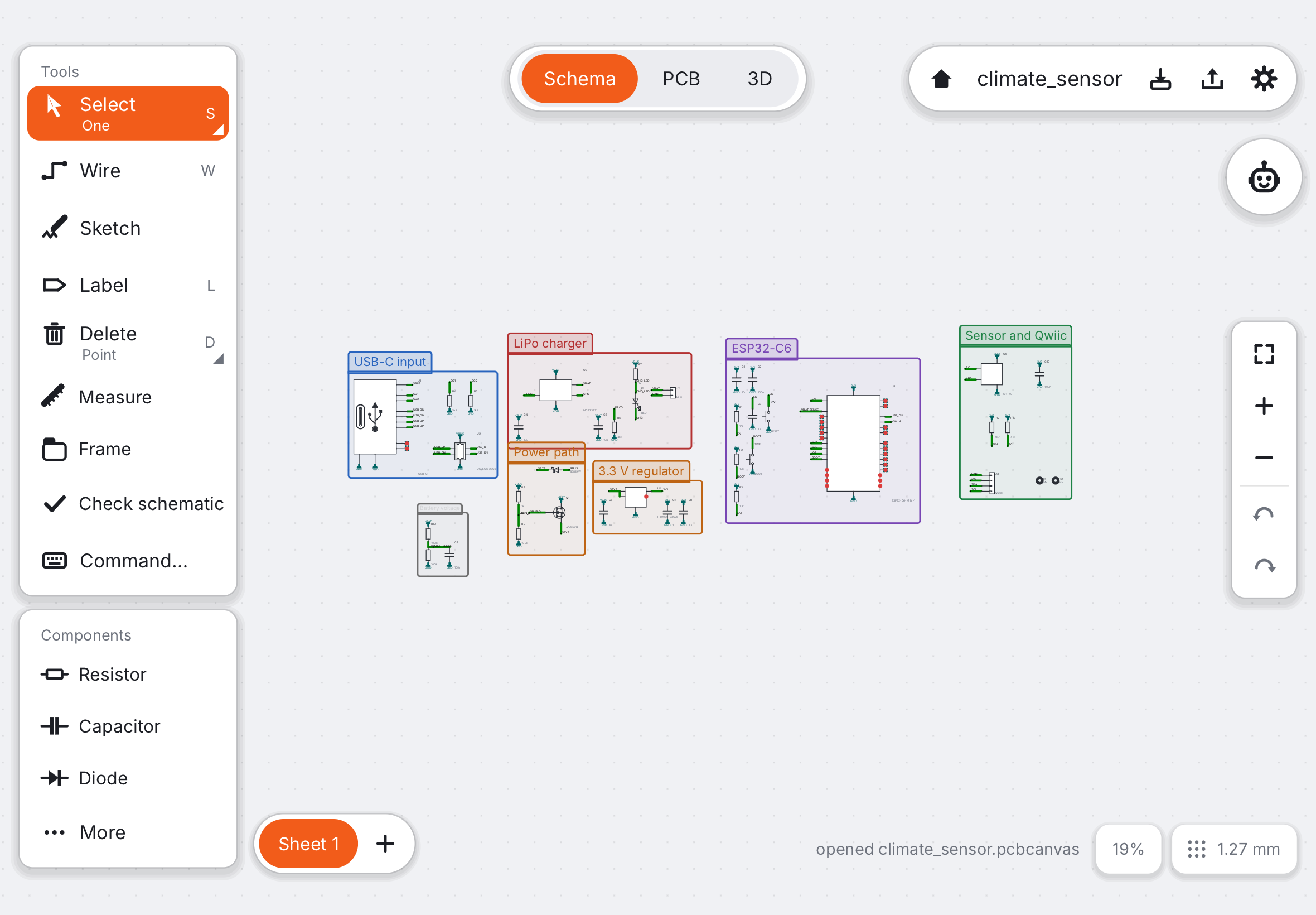
- Start a project. On the projects screen tap New project, or a template such as “I²C sensor breakout” to start from a working circuit.
- Place the parts. In Schematic mode tap a row under Components (Resistor, Capacitor, LED…) and tap the canvas. Library… (P) finds anything else by name. Choose the exact part later with Change part… in the inspector.
- Connect the pins. Pick Wire (W) and draw from pin to pin. For pins far apart, give both the same Label (L): equal names are connected. See net labels.
- Check the schematic. Tap Check schematic (⇧⌘R). It finds pins left unconnected, outputs fighting each other and missing power. Fix what it lists.
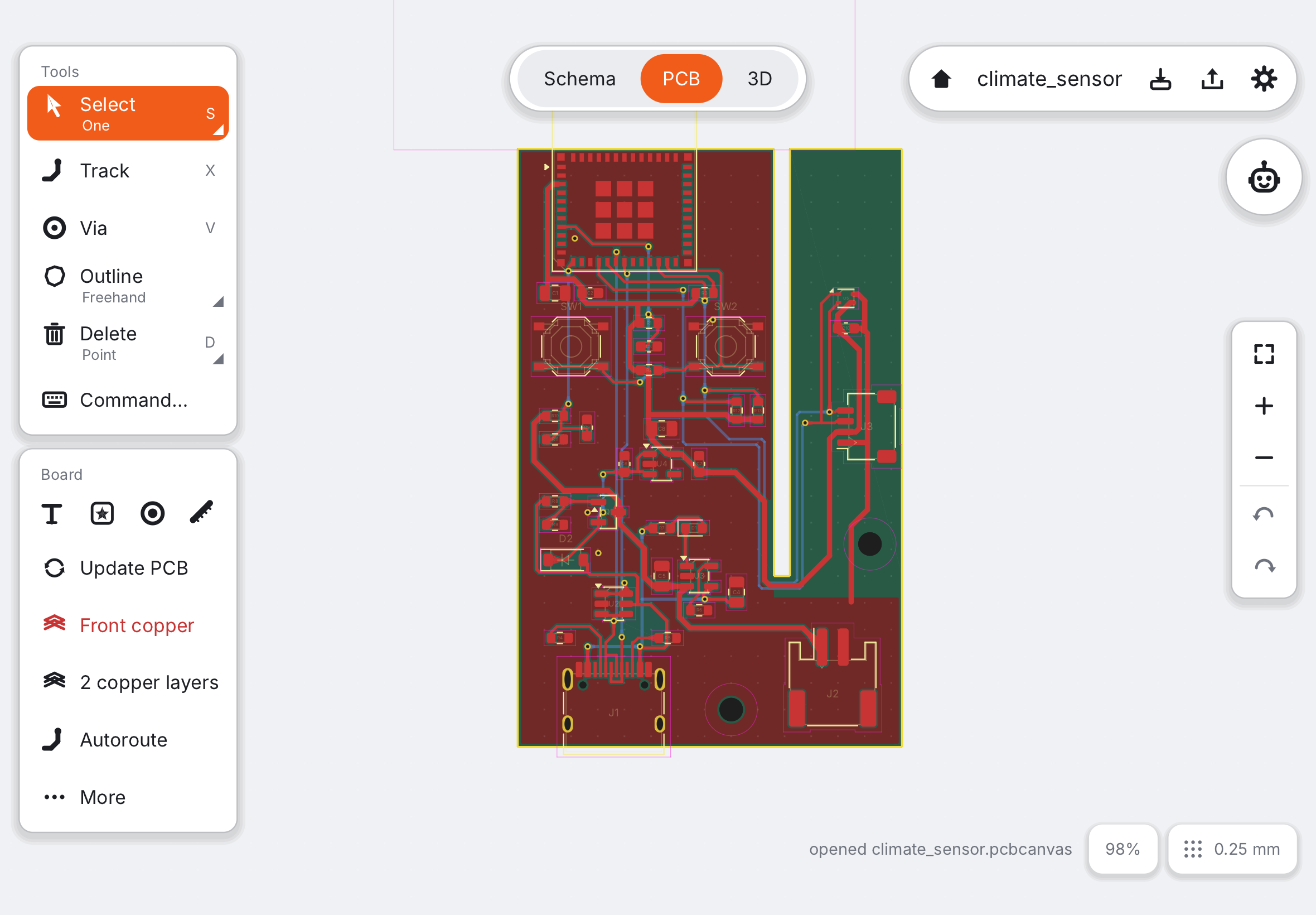
- Update PCB. Switch to PCB (⌘2) and tap Update PCB. The parts appear next to the board, joined by thin lines (the ratsnest) that show what still needs copper.
- Shape the board and place. Draw the edge with Outline, or keep the template’s. Drag the parts onto the board: connectors at the edge, decoupling capacitors next to their chip, short paths for anything that carries current.
- Route. Draw tracks with Track (X) from pad to pad, or tap Autoroute and look at the result. Change sides with a via (V). Power needs wider tracks: see Net classes and track widths.
- Pour ground. Tap GND pour to fill both sides with copper tied to ground. It saves you routing every ground pin. See ground pour.
- Check the rules. Tap Check rules (⇧⌘D). It compares the board with what the factory can make: gaps, track widths, holes, the board edge. Tap a problem to see it; fix until it says all good.
- Order. Tap the export button in the top right pill (⇧⌘E). The order review shows the board exactly as the factory will see it, with the parts and prices. See Ordering at JLCPCB.
Every step can be undone (⌘Z or a two-finger tap), so try things. Next: Sketching symbols.