
Five ESP32 maker boards you can build
A first ESP32-C3 board, an LED strip controller, a battery climate sensor and a 12 V load driver are ready as example projects; a CO₂ monitor is next.
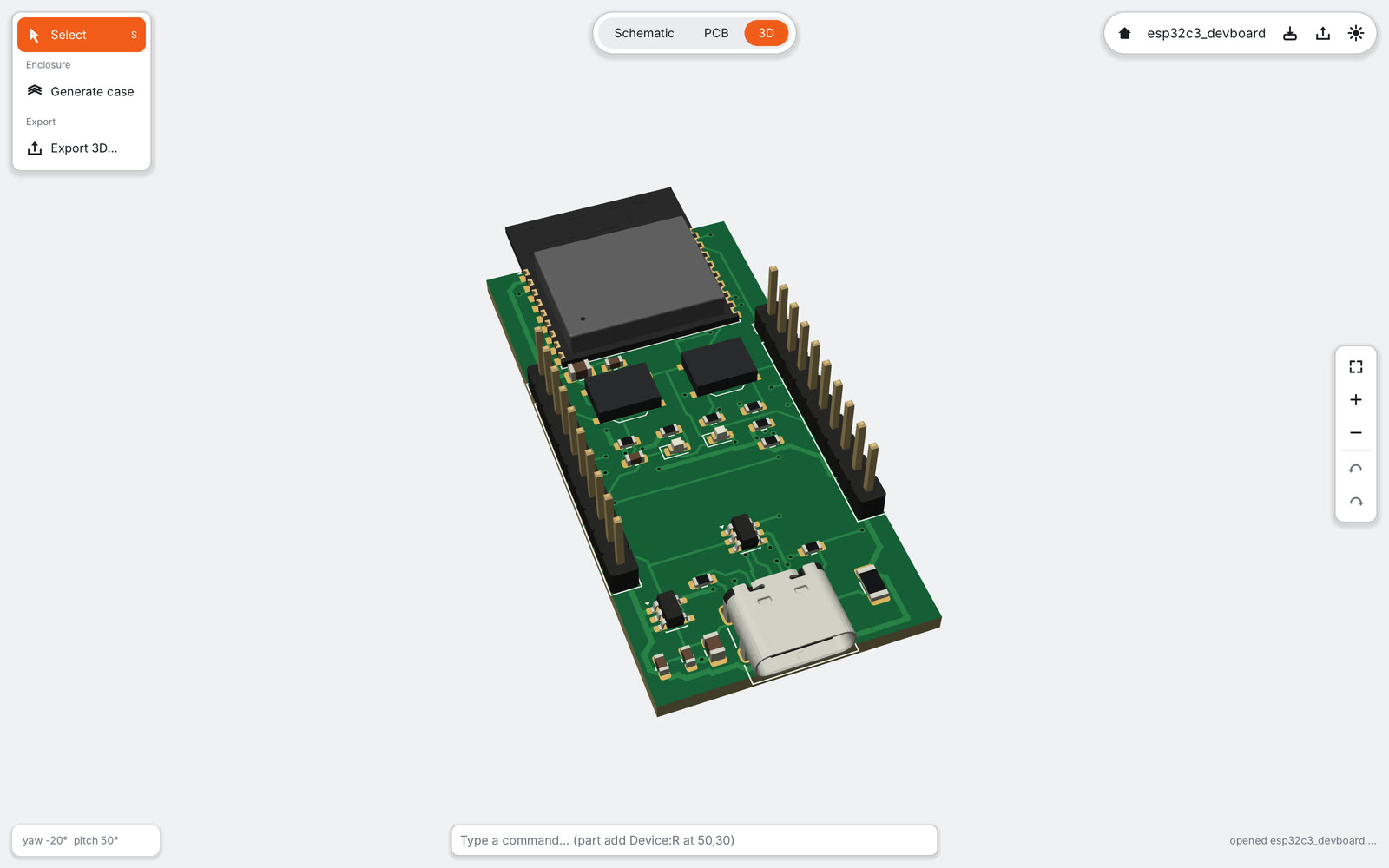
PCB Canvas comes with example projects in the spirit of maker kits: small, useful boards that teach one or two new ideas each. Every one of them passes the schematic check and the design rule check with zero errors, is routed completely and exports files JLCPCB accepts. Parts JLCPCB can assemble carry verified LCSC numbers; through-hole parts are used only where makers want to solder them, like connectors and terminals.
Four ESP32 boards are finished today, each with its own library pack. The fifth is next on the list.
| Board | What you learn | Size | Parts |
|---|---|---|---|
| ESP32-C3 dev board | power path, USB, decoupling, pours | 25.4 × 52 mm | 25 |
| LED strip controller | high-current tracks, level shifting | 50 × 62 mm | 38 |
| Battery climate sensor | LiPo charging, I²C, thermal slot | 36 × 56 mm | 38 |
| 12 V load driver | MOSFET switches, flyback, buck | 60 × 64 mm | 50 |
| CO₂ monitor (next) | I²C sensor and display, 5 V and 3.3 V |
1. ESP32-C3 dev board: your first board#
The tutorial everyone should start with, because it shows what is on every ESP32 board.
- ESP32-C3-WROOM-02 module with native USB, so no USB-to-serial chip is needed.
- USB-C receptacle with 5.1 kΩ CC pull-downs, USBLC6-2SC6 ESD protection on the data lines and a 500 mA PTC fuse on VBUS.
- A 3.3 V LDO with input, output and bulk capacitors.
- BOOT and RESET buttons with the RC network on EN, a power LED and a user LED.
- 2×10 headers with all GPIOs, 3V3, 5V and GND, and a ground pour on both sides.
The module’s antenna sticks out over the top edge of the board, as Espressif’s layout guide prefers, so there is no board material and no copper under it.
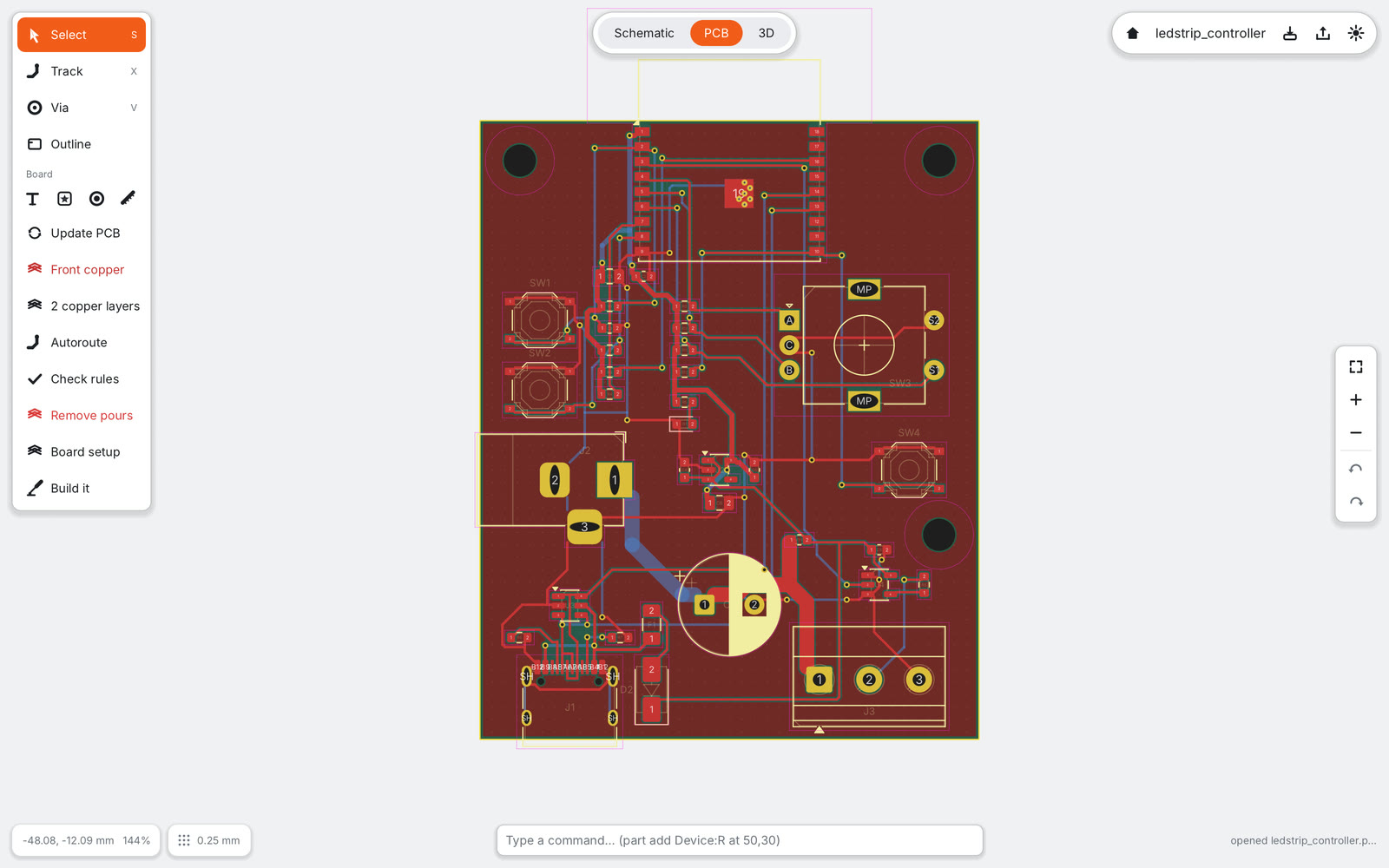
2. Addressable LED strip controller#
- The same ESP32-C3 block as the first board.
- 5 V from a barrel jack or USB-C; the strip rail runs on 1.5 mm wide tracks, with a 1000 µF bulk capacitor.
- A 74AHCT1G125 lifts the 3.3 V data signal to 5 V for the strip, through a series resistor.
- A screw terminal for the strip, a button for the mode and a rotary encoder for brightness.
USB power reaches the strip only through the 500 mA fuse, so a strip never back-feeds your computer. The barrel jack is rated 3 A; brighter strips should be fed directly.
3. Battery climate sensor for Home Assistant#
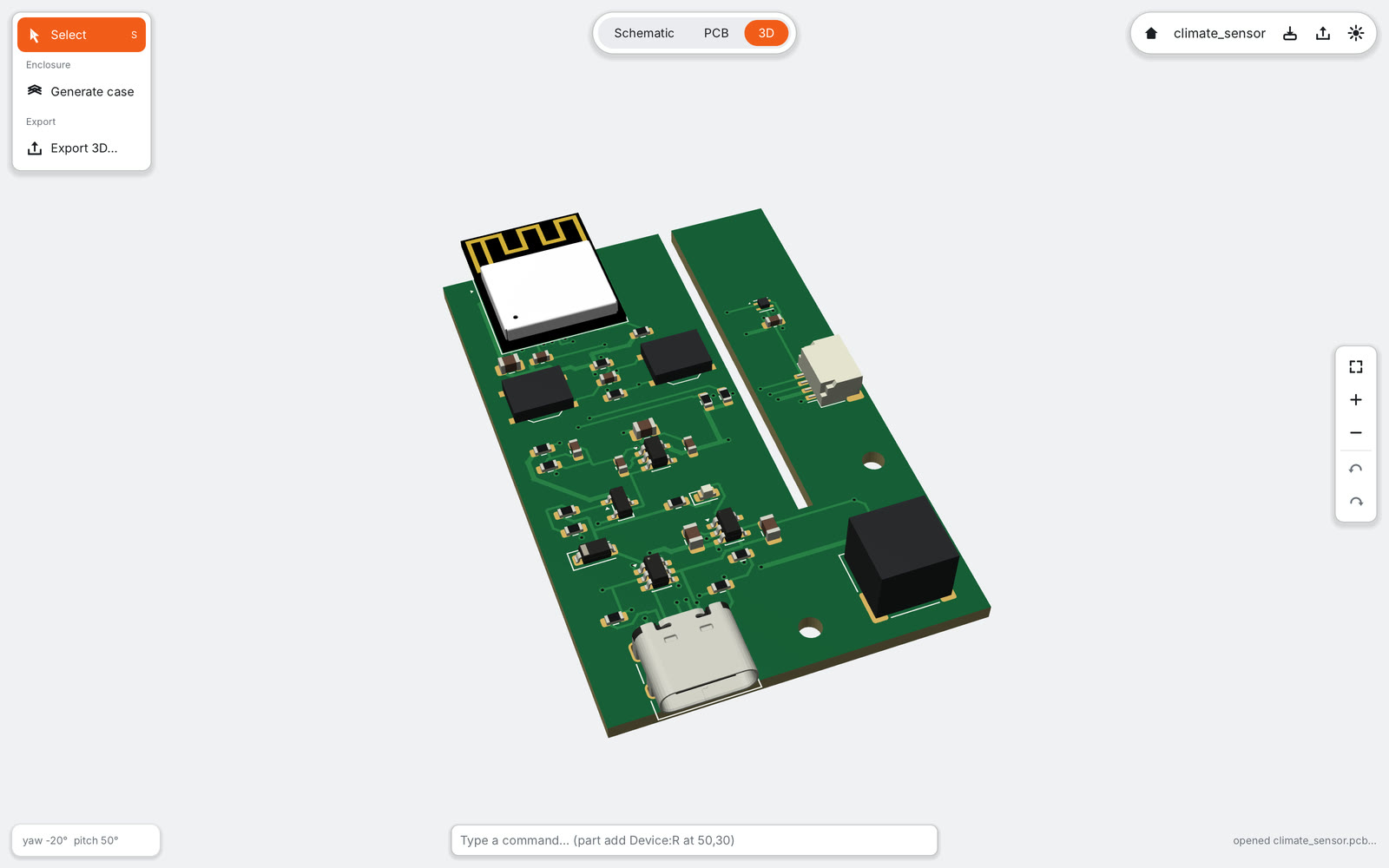
- ESP32-C6-MINI-1: Wi-Fi 6, Bluetooth LE, and Thread/Zigbee radio.
- An SHT40 temperature and humidity sensor on a tongue of board cut free on three sides, so the module’s heat does not reach it. No ground pour crosses the neck.
- LiPo charging with an MCP73831, load sharing so the board runs from USB while charging, and a battery voltage divider on an ADC pin.
- A low-quiescent-current regulator and a Qwiic/STEMMA QT connector for more I²C sensors.
4. 12 V load driver for pumps, valves and LED strips#
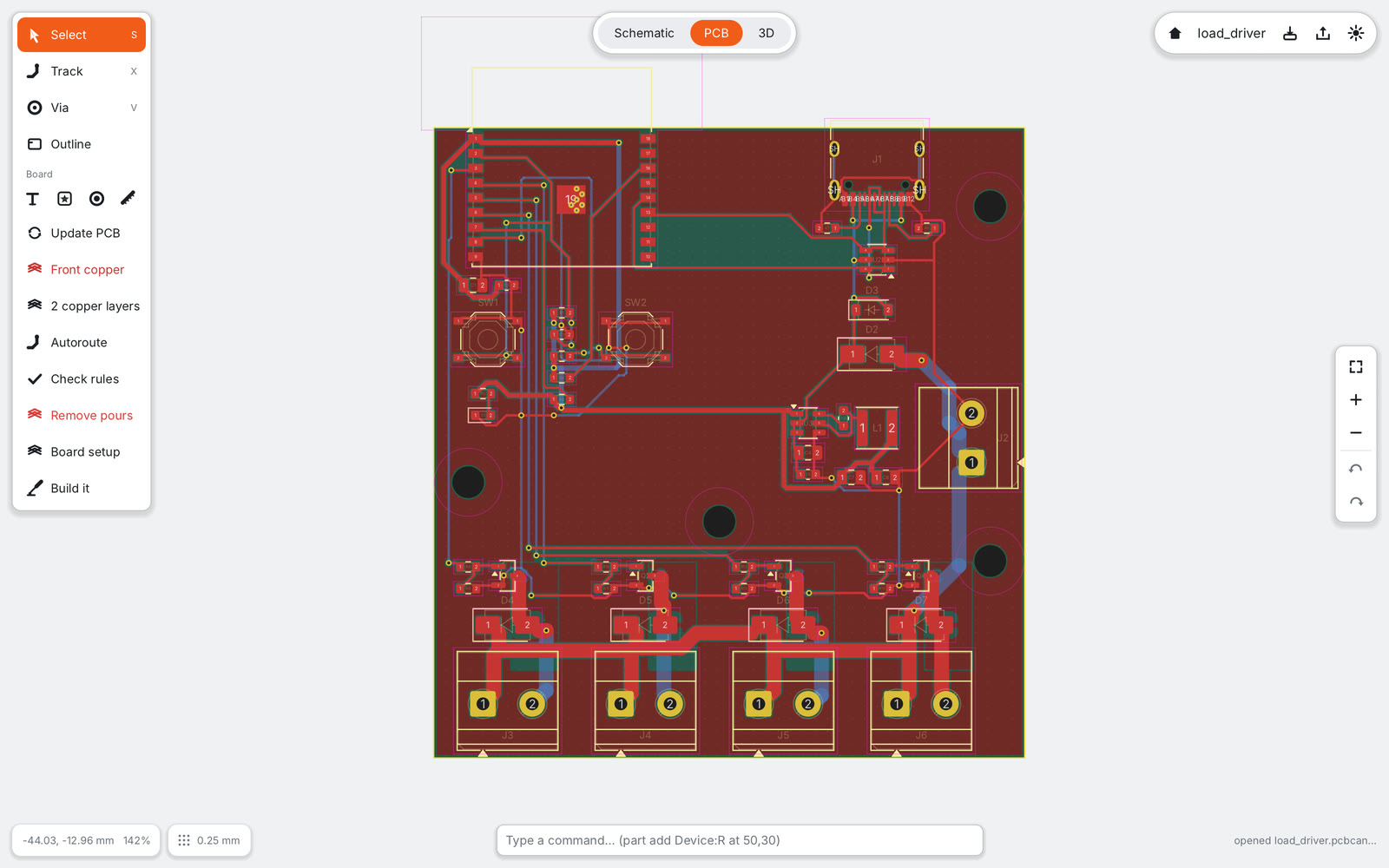
- ESP32-C3 again, with an AP63203 buck converter from 12 V.
- Four low-side channels with AO3400A MOSFETs, gate resistors and pull-downs.
- SS14 flyback diodes for inductive loads like pumps and valves, and screw terminals.
You learn where high currents return, why inductive loads need a flyback path, and how copper area carries heat away.
5. Next: CO₂ monitor with a display#
The next project pairs an ESP32-C3 with an SCD41 CO₂ sensor and a 0.96" OLED display over I²C. It is still a proposal: each part is verified (datasheet and LCSC stock) before the board is built.
Nothing here runs at mains voltage, on purpose: relays at 230 V, thermostats and smart plugs are a safety risk for beginners and are not planned.
How the examples are made#
Each board comes from a generator script, not from hand edits, so it can be rebuilt and tested any time. The generator refuses to write a project that fails the schematic check, the design rule check, the Gerber export or its own connection checks. The 3D views in this post are rendered headless by the app from those same projects.
Want to build one? Install its pack in the app, open the example and follow along; step-by-step tutorials for these boards are next, after the 6-key macropad.